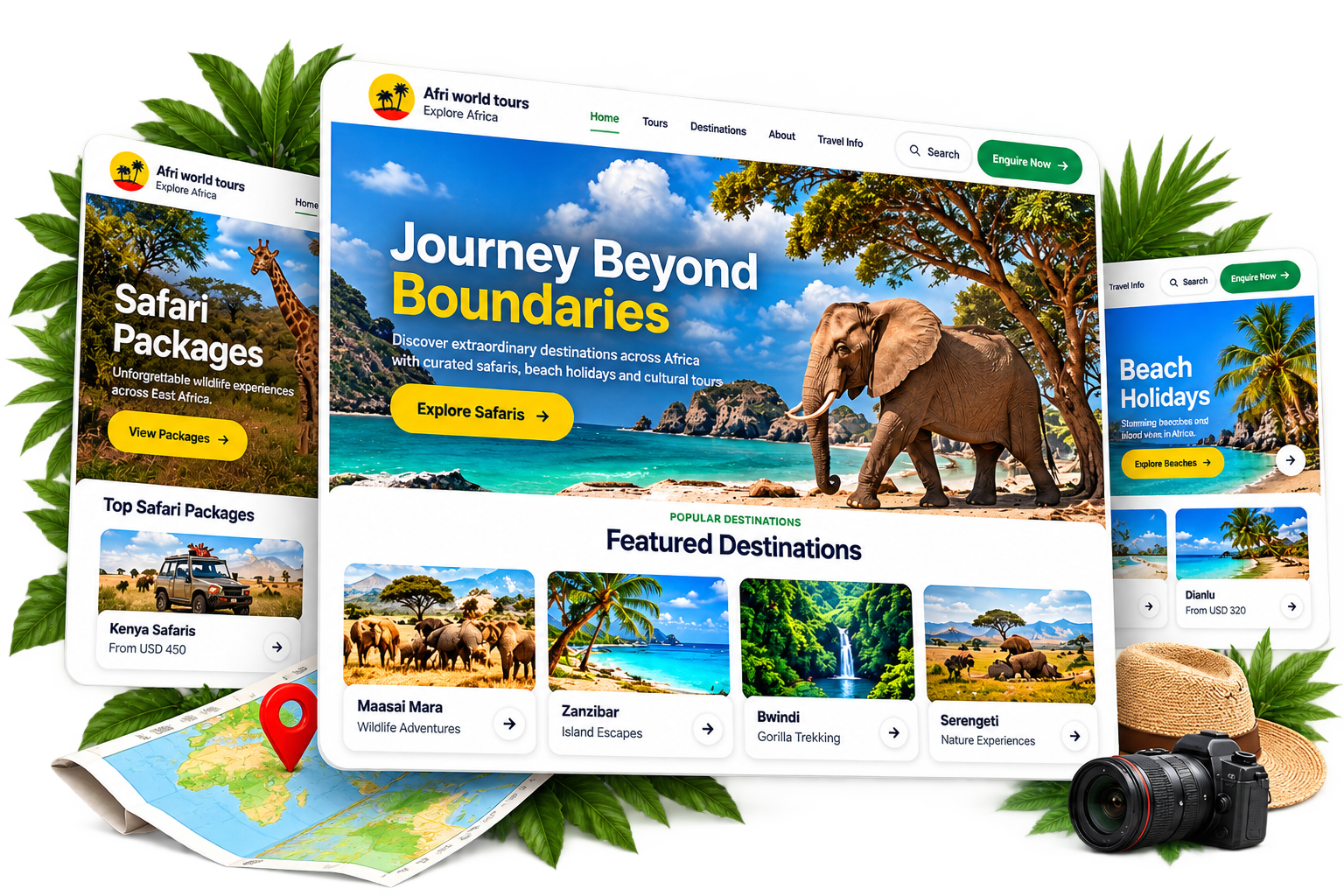

Your booking website
The site is the public page for your company. Travellers browse the trips you publish and send a request. You reply from Inquiries. Nothing is paid on the site.
Simple · Professional · Ready to use
01
Your company profile sets the look
Logo, colours, tagline, short description, and contacts come from Business settings. They appear on Home, Tours, Destinations, Contact, and every package page.
02
A trip starts as an itinerary
Write the day-by-day plan, highlights, inclusions, and images, or import a ready template. The itinerary is the draft. It is not on the public site yet.
03
Publishing a package puts it live
Save it under My packages and it shows on the booking site. Guests can open the full page, with the days, what is included, and the price you set for the site.
04
Guests browse, then request
They look through destinations and tours, then use Book Now or the contact form. The form asks for name, email, phone, subject, package, travel date, travellers, and a message.
05
Requests land in Inquiries
Each one arrives with those details and where it came from, such as Book Now, a tour page, or Contact. You follow up from there and confirm the trip in your bookings.
06
Share one booking link
My packages has the public link for your site. Copy it and send it to travellers. Removing a package takes that trip off the site. The other pages stay.